Step-by-step lessons, designed for real beginners and up

A polished curriculum taught by a seasoned instructor

Real-world examples and creative applications

Everything in one place – Organized, structured, and ready when you are
8+ Hours of Content
Dive deep into practical topics with engaging, easy-to-follow lessons designed to fit your schedule.
Go from Beginner to Advanced
Start with the basics and build your way up, I’ll guide you through every step.

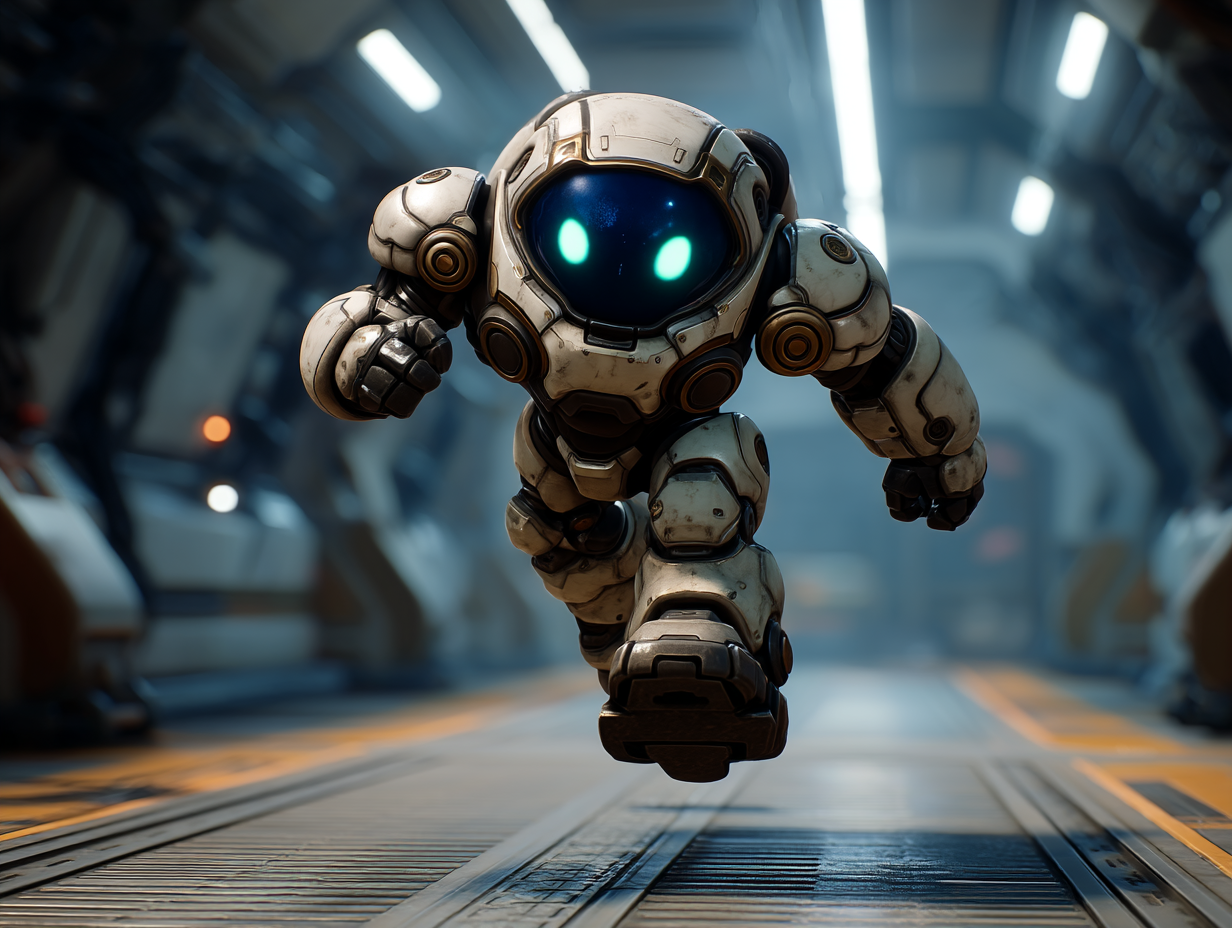
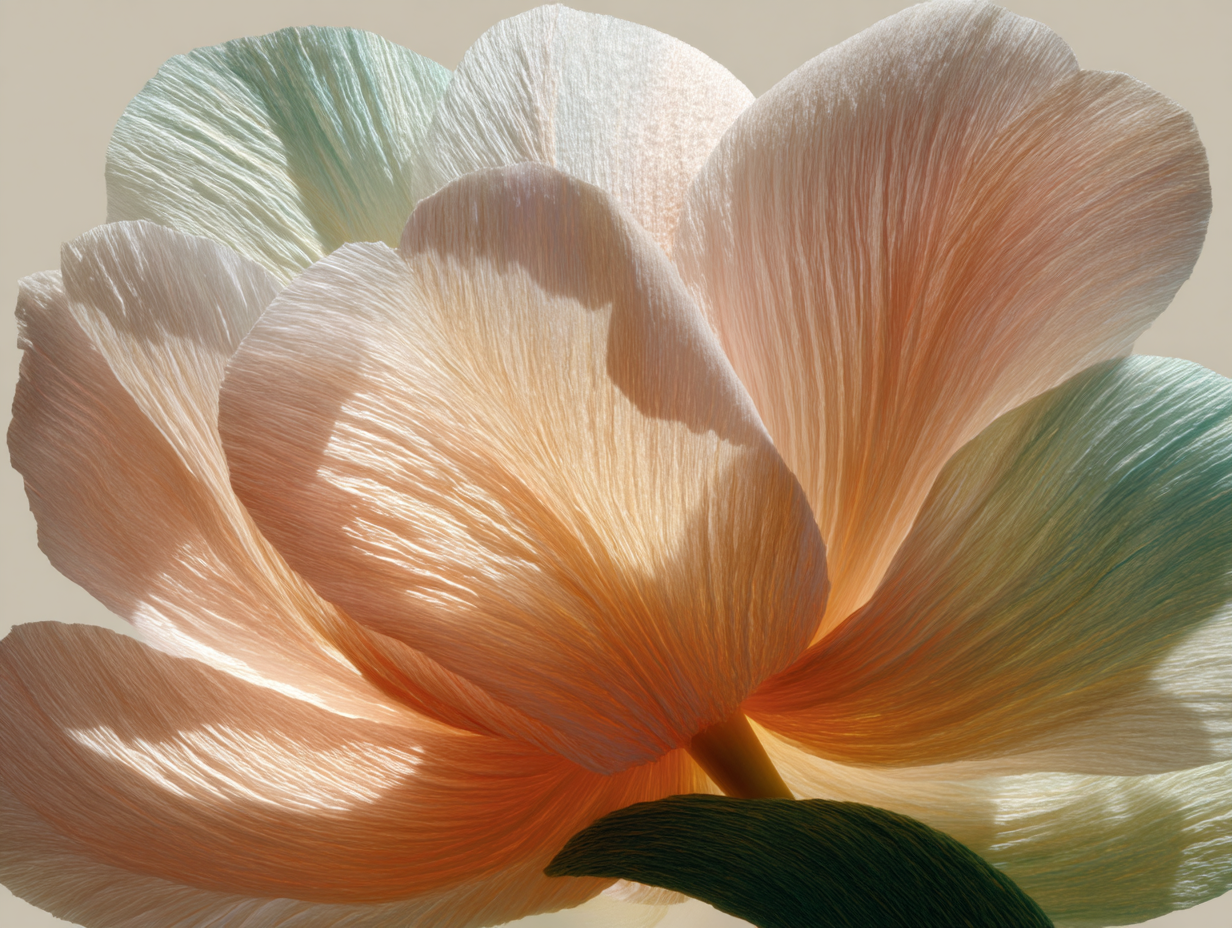
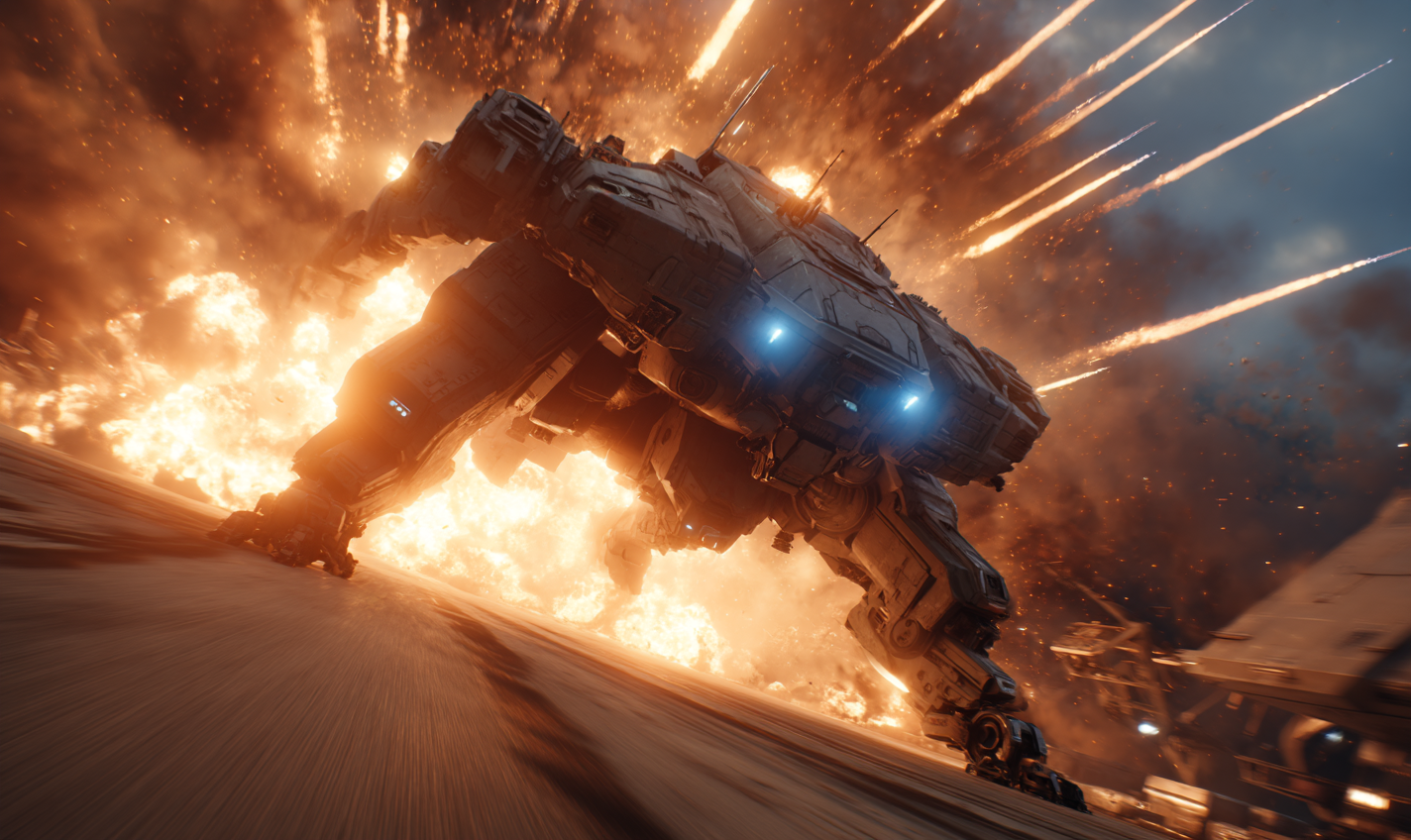
Learn a Variety of Image Styles
Explore everything from sci-fi and fantasy to food photography, cozy interiors, and more.
Consistent Updates
Stay ahead of the curve with fresh content and the latest tips added regularly.
Downloadable Resources
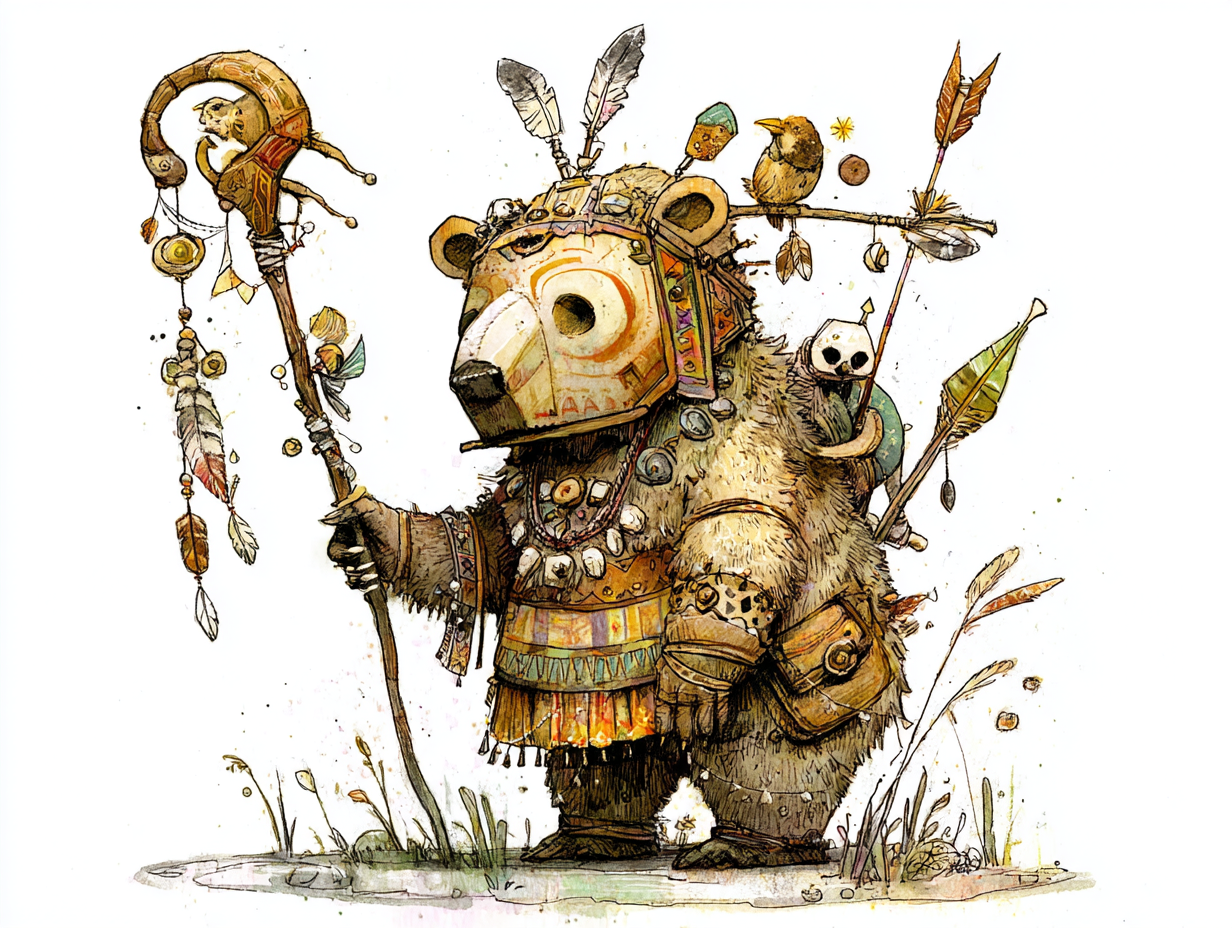
Access prompt templates, walkthroughs, and extra tools to keep you inspired and productive.

Beyond Just Midjourney
Learn to take your images beyond Midjourney with tools like Photoshop, RunwayML, and RedBubble.
Section 1: Setting Up
Section 1: Setting Up
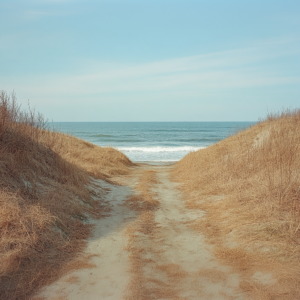
- Welcome you to the course and give a quick overview of what to expect.
- Create your Midjourney account using Google on Midjourney.com.
- Walk through the subscription options so you know what’s best for your needs.
- Explore the Midjourney website so you’re ready to dive in.
Section 2: Beginner Midjourney
Section 2: Beginner Midjourney
- Create our very first image in Midjourney and explore how to shape it with aspect ratios and styles.
- Experiment with settings like Stylize, Chaos, and Weird to add beauty, variation, and complexity to our results.
- Learn how to enhance and refine images using variations, upscaling, and creation tools like Rerun and Use.
- Start guiding Midjourney more directly through tools like camera angles, color, and artistic style controls.
Section 3: Exploring Prompts in Midjourney
Section 3: Exploring Prompts in Midjourney
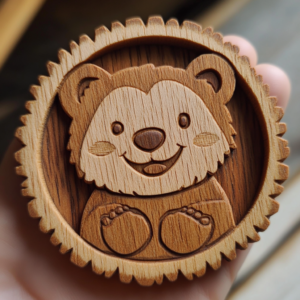
- Get creative with prompt types like stickers, cakes, wood textures, and papercraft.
- Learn visual composition techniques like isometric views, tilt shift, and knolling.
- Experiment with character poses, cinematic styles, and interior design prompts.
- Create useful output like icons, posters, portraits, and stylized sketches.
Section 4: Intermediate Midjourney
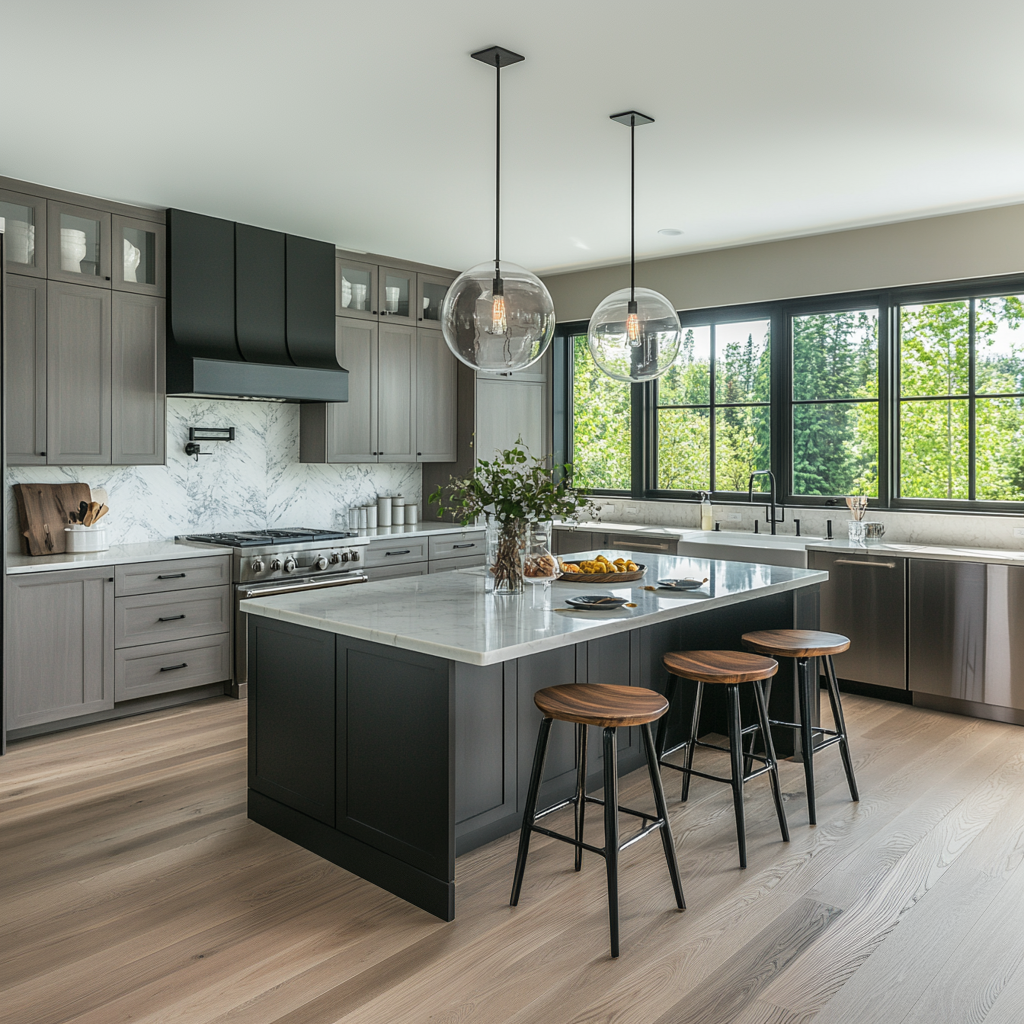
Section 4: Intermediate Midjourney
- Work with the Edit and Eraser tools to make selective changes within images.
- Use Outpainting and Zoom tools to expand and reframe our creations.
- Explore the Full Editor to combine editing with intelligent prompt suggestions.
- Apply advanced tools like Retexture to refine style and detail with precision.
Section 5: Midjourney on Discord
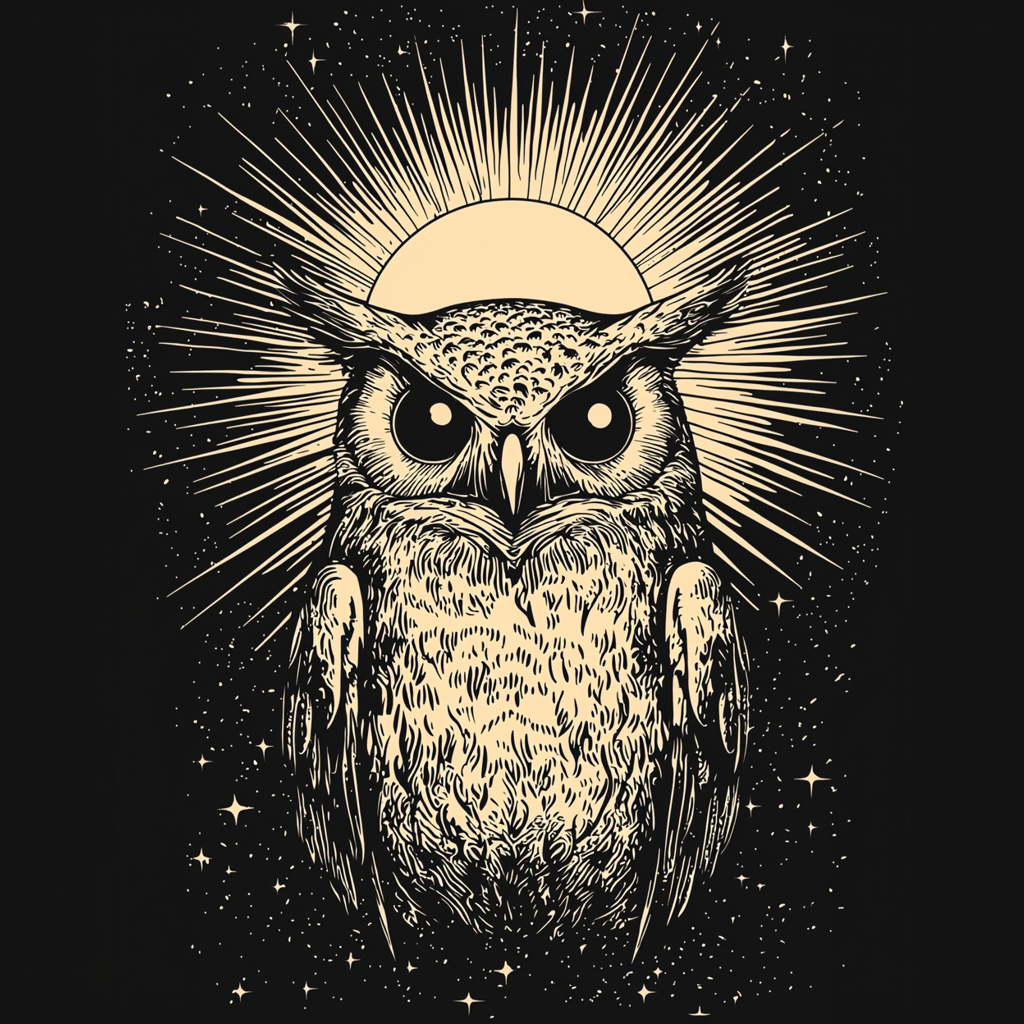
Section 5: Midjourney on Discord
- Set up and explore Midjourney on Discord, including how to connect and generate your first image.
- Dive into powerful Discord-specific tools like Describe, Vary Region, and the Shorten and Ask commands.
- Learn how to use reference images and manage your creations between Discord and the Midjourney website.
- Customize your workflow with commands like Show, Info, Settings, and Prefer Option Set.
Section 6: Advanced Midjourney
Section 6: Advanced Midjourney
- Create multiple outputs and loops using Iterations and Repeat for rapid experimentation.
- Work with SREFs and CREFs to gain greater control over styles and consistent characters.
- Use Seeds and advanced personalization tools to fine-tune Midjourney’s results.
- Explore personalized profiles and moodboards to make Midjourney reflect your unique aesthetic.
Section 7: Creative Projects and Use Cases
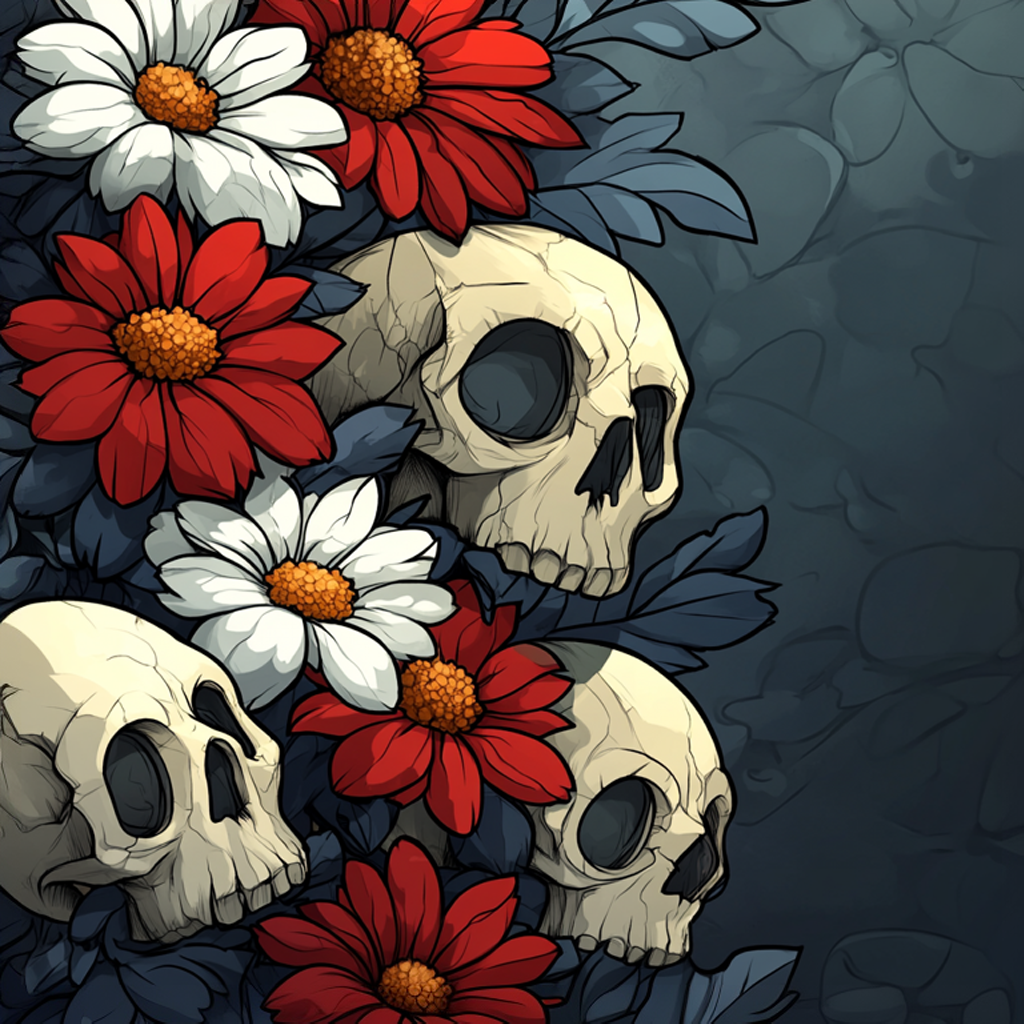
Section 7: Creative Projects and Use Cases
- Apply Midjourney to real-world projects like social media posts and Redbubble product creation.
- Explore creative enhancements like repeating patterns, upscaling, and print preparation.
- Get organized with tools like folders, likes, and the Organize tab.
- Search and track your work efficiently using the Tasks tab and powerful image search options.
Section 8: Midjourney v7 Enhancements
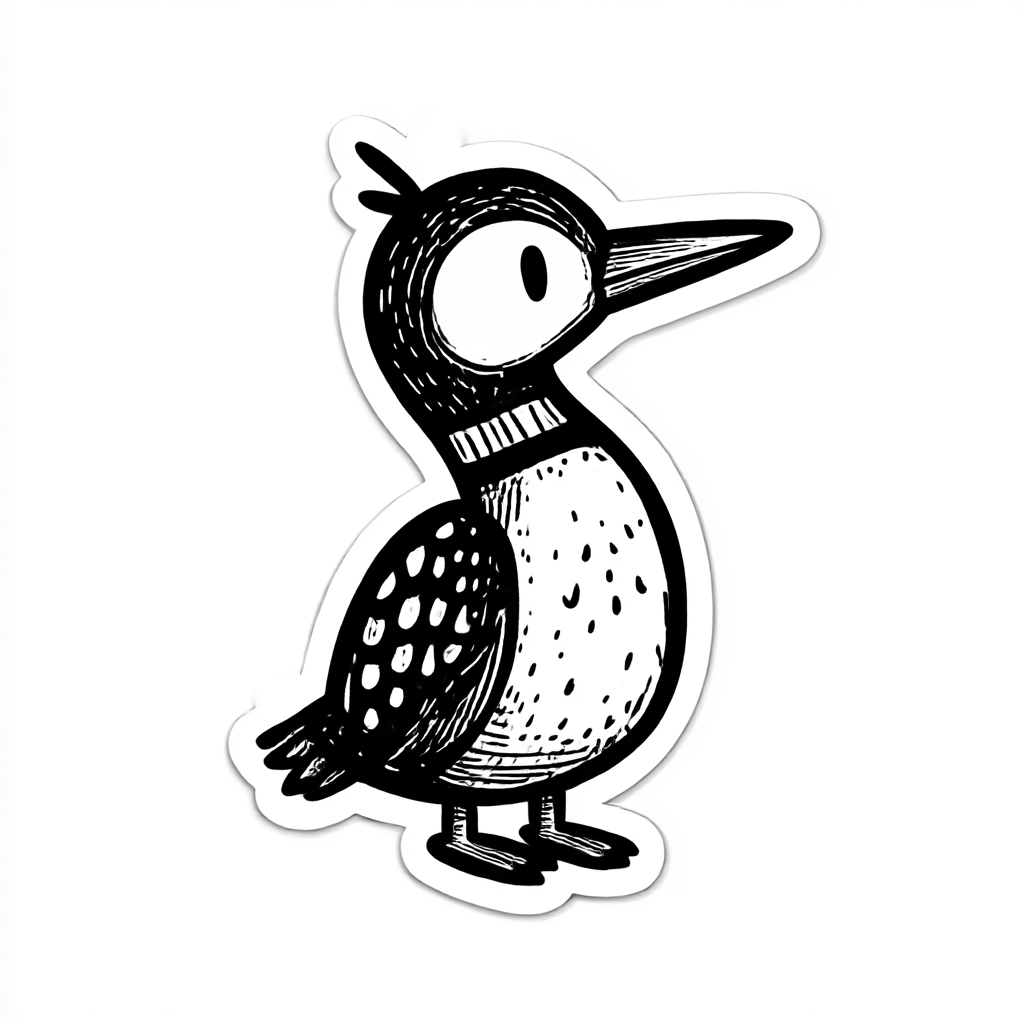
Section 8: Midjourney v7 Enhancements
- Unlock v7 features by enabling the latest version and learning how it works.
- Explore Draft Mode to quickly iterate and refine your ideas with lightweight previews.
- Experiment with advanced tools like Omni Reference for consistent characters and objects.
- Try out experimental generation using the powerful new Exp option in v7.
Section 9: Photoshop and Midjourney Primer
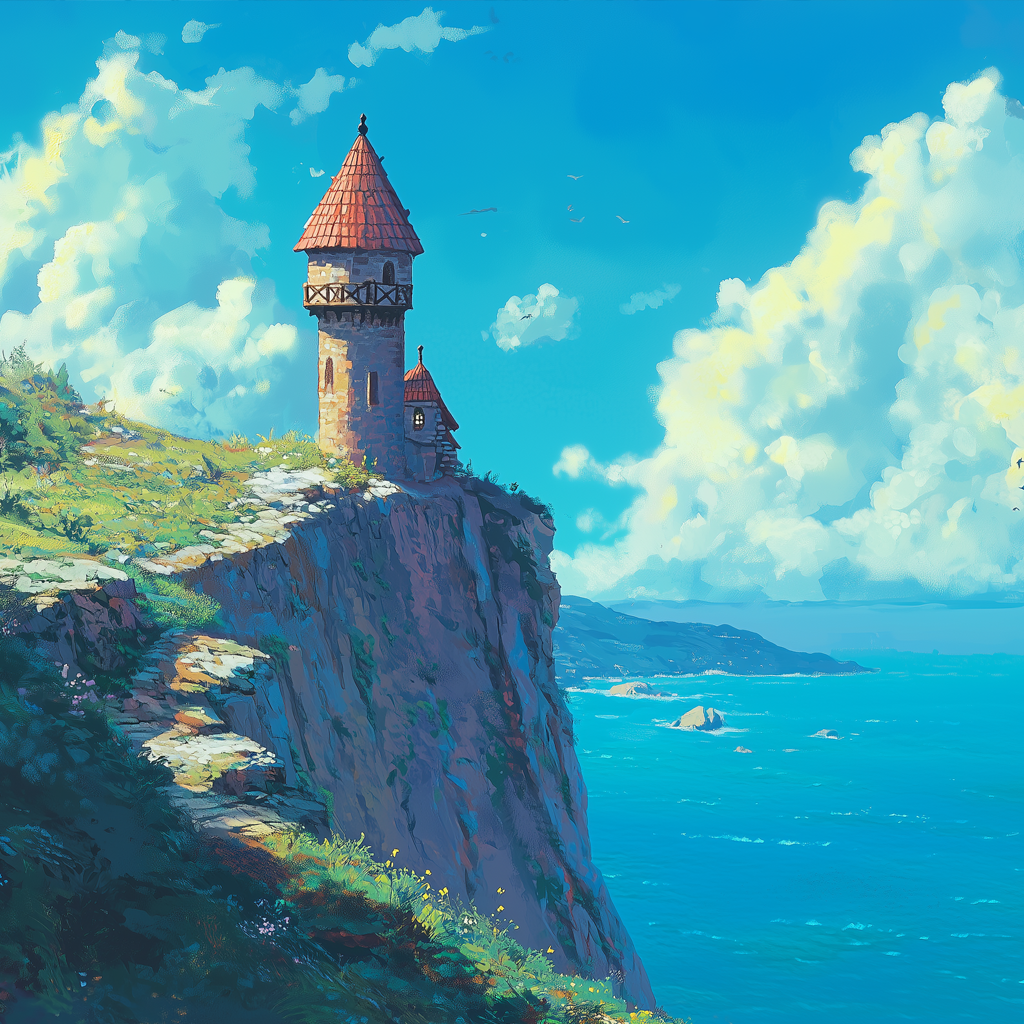
Section 9: Photoshop and Midjourney Primer
- Learn how to get started with Photoshop — from installation to creating your first document.
- Master essential tools and layers to edit and enhance your Midjourney images with confidence.
- Design and clean up assets like stickers using selections, masks, and layer effects.
- Export and publish your work for products or sharing, including a full Redbubble workflow.
Section 10: Midjourney, RunwayML, and Suno
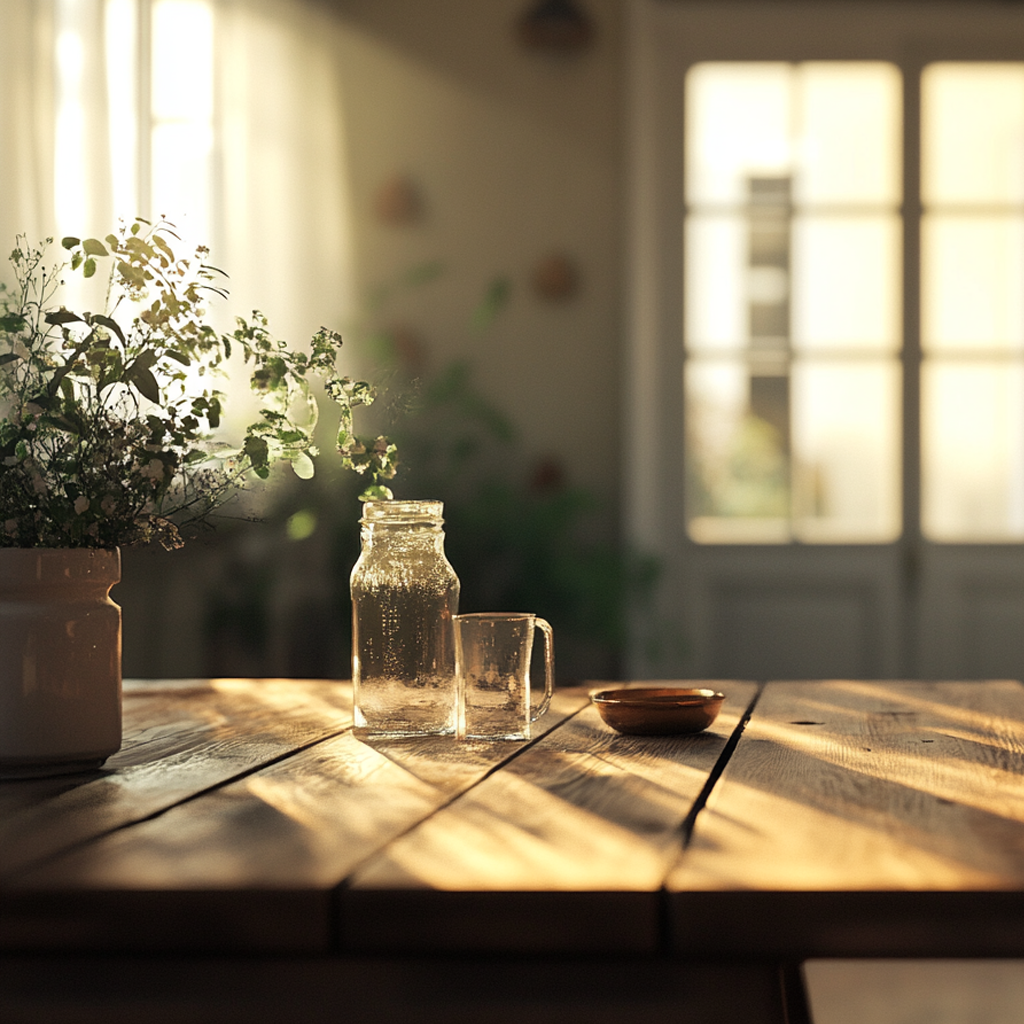
Section 10: Midjourney, RunwayML, and Suno
- Kick off a creative project using Midjourney for visuals, RunwayML for video, and Suno for music.
- Design compelling base images and bring them to life with video motion tools.
- Generate custom audio to set the mood and match your visual style.
- Pull it all together in Camtasia to produce a polished, multimedia piece from start to finish.
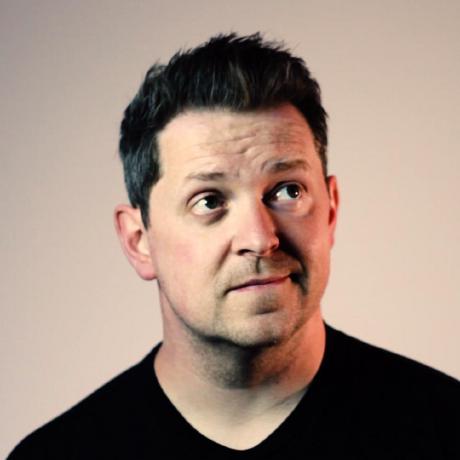
Meet Your Instructor
Scott Bromander is a creative technologist with 20 years of building world-class digital experiences across gaming, web, and emerging tech. He’s launched large-scale platforms, led cross-disciplinary teams, and consistently pushed the edge where innovation meets design.
Equally at home in the classroom, Scott has taught at colleges, bootcamps, and Fortune 500 training rooms, renowned for turning complex tools into clear, confidence-boosting skills. This course blends his hands-on expertise with his approachable teaching style, guiding beginners and seasoned creatives alike to level up fast, and enjoy the ride.